Video Lecture Production for Teachers: A beginner's Guide
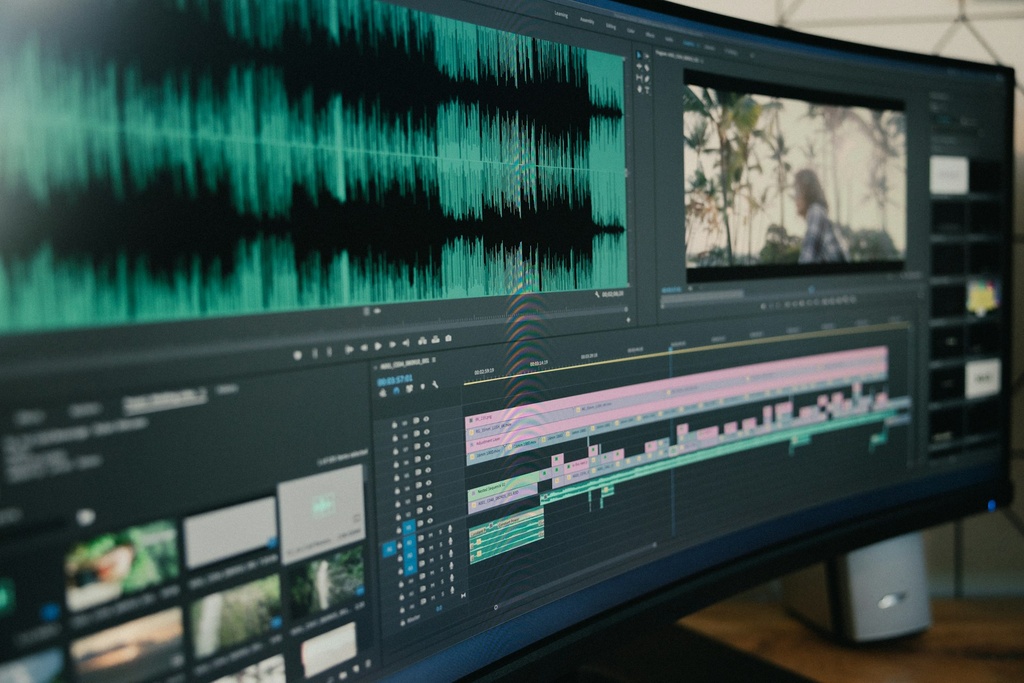
Video Lecture Production for Teachers: A Beginner’s Guide” is designed to help educators confidently create professional-quality video lessons from scratch. In this hands-on course, you’ll learn the essential tools every teacher needs: OBS Studio for recording clear and engaging lectures, DaVinci Resolve for editing and polishing your videos, and Audacity for enhancing audio and recording effective voiceovers. No prior experience is required — we’ll walk you through each step in simple, practical terms so you can start producing lectures that capture attention and improve learning outcomes. By the end of this course, you’ll have the skills to plan, record, edit, and publish your own high-quality video lectures that your students will love.
Exclusive Early Request Offer !
This course will open soon! Be among the first to request it— the first 5 participants to send a request will get free access once it launches.