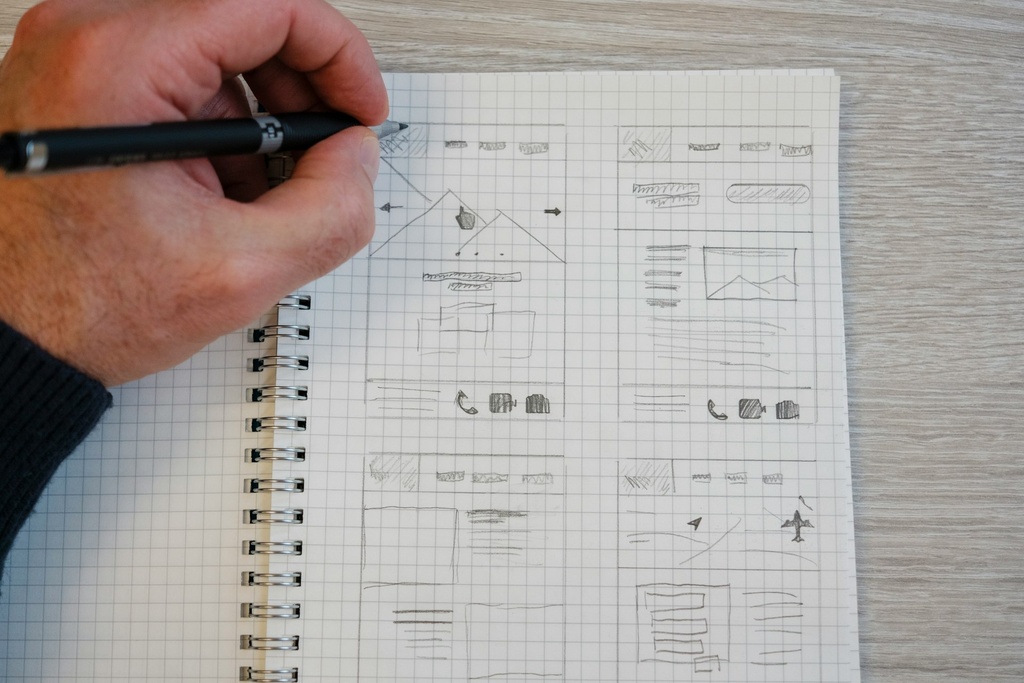
Creating a Web-Base Syllabus
Creating a Web-Based Syllabus is designed for teachers who want to transform their traditional paper or PDF syllabus into an interactive, accessible, and professional-looking online format. In this course, you’ll learn how to use Carrd—a simple yet powerful website builder—to design a modern syllabus that students can easily access anytime, anywhere. From organizing course content and embedding resources, to adding videos and links, you’ll gain the skills to create a syllabus that’s not only functional but also visually engaging. By the end of this course, you’ll have a fully customized syllabus website that reflects your teaching style and makes classroom communication smoother and more effective.
50.00 ₱
50.0
PHP
50.00 ₱
| Responsible | Dan Vincent Caneo |
|---|---|
| Last Update | 09/24/2025 |
| Completion Time | 2 hours |
| Members | 2 |
-
Chapter 1: Introduction3Lessons · 14 min
-
Using the template
-
Syllabus structure
-
Before taking this course
-
-
Chapter 2: Design and Layout13Lessons · 1 hr 10 min
-
Header Part 1
-
Header Part 2
-
Course Description
-
Module Bar Section
-
Module Content Section 1
-
Module Content Section 2
-
Mission and Vision Section
-
Section Break Settings for Module
-
Module 1 Header
-
Module Content Container Design 1
-
Module Content Container Design 2
-
Module Video and Info Section
-
Footer Intro
-
-
Chapter 3: Pages3Lessons · 15 min
-
FAQ Section
-
Reference
-
Creating the Nav Bar Links
-
-
Chapter 4: Responsive Page2Lessons · 10 min
-
Visibility Settings for Mobile and Desktop
-
Modifying Elements for Mobile View
-
-
Live Demo1Lessons · 11 min
-
Content Video and Info LIVE DEMO
-